Pagination Design Inspiration Websites - Best Practices in 2026
Last Updated on:
Author:
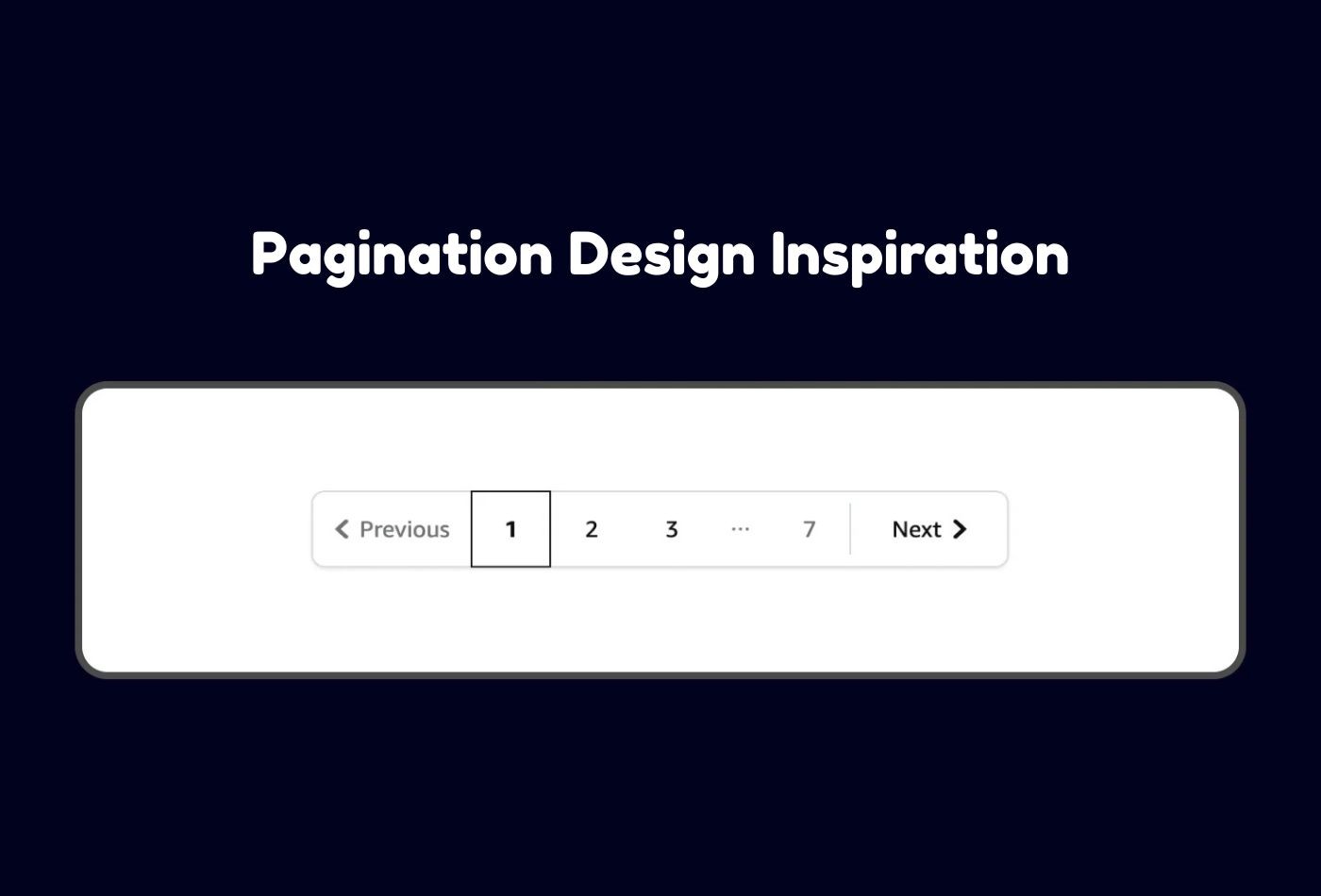
Pagination is a fundamental web design element that helps users navigate through large sets of content, whether it’s products, articles, videos, or search results. Done right, pagination improves usability, boosts engagement, and keeps visitors exploring your site longer. Done poorly, it can frustrate users and cause them to bounce.
In this post, we’ll dive into the best pagination design inspirations from leading websites, break down key features that make their pagination effective, and share tips for creating your own smooth, user-friendly navigation.
What Makes Great Pagination Design?
Before we jump into examples, here are some essential traits of effective pagination:
- Clarity: Users should instantly recognize the pagination controls and know how to move forward or back. Buttons like ''Next'' ''Previous'' and visible page numbers are vital.
- Simplicity: Clean, minimalist designs avoid overwhelming users. Pagination should blend naturally with your site’s style.
- Responsiveness: Pagination must work seamlessly across all devices, from large desktop screens to small mobile phones.
- Context: Showing the current page number and total pages or item counts helps users understand where they are.
- Performance: Fast loading and smooth transitions keep the user experience fluid.
- Flexibility: Depending on content type, sometimes infinite scroll or ''Load More'' buttons can complement or replace classic pagination.
1. Amazon
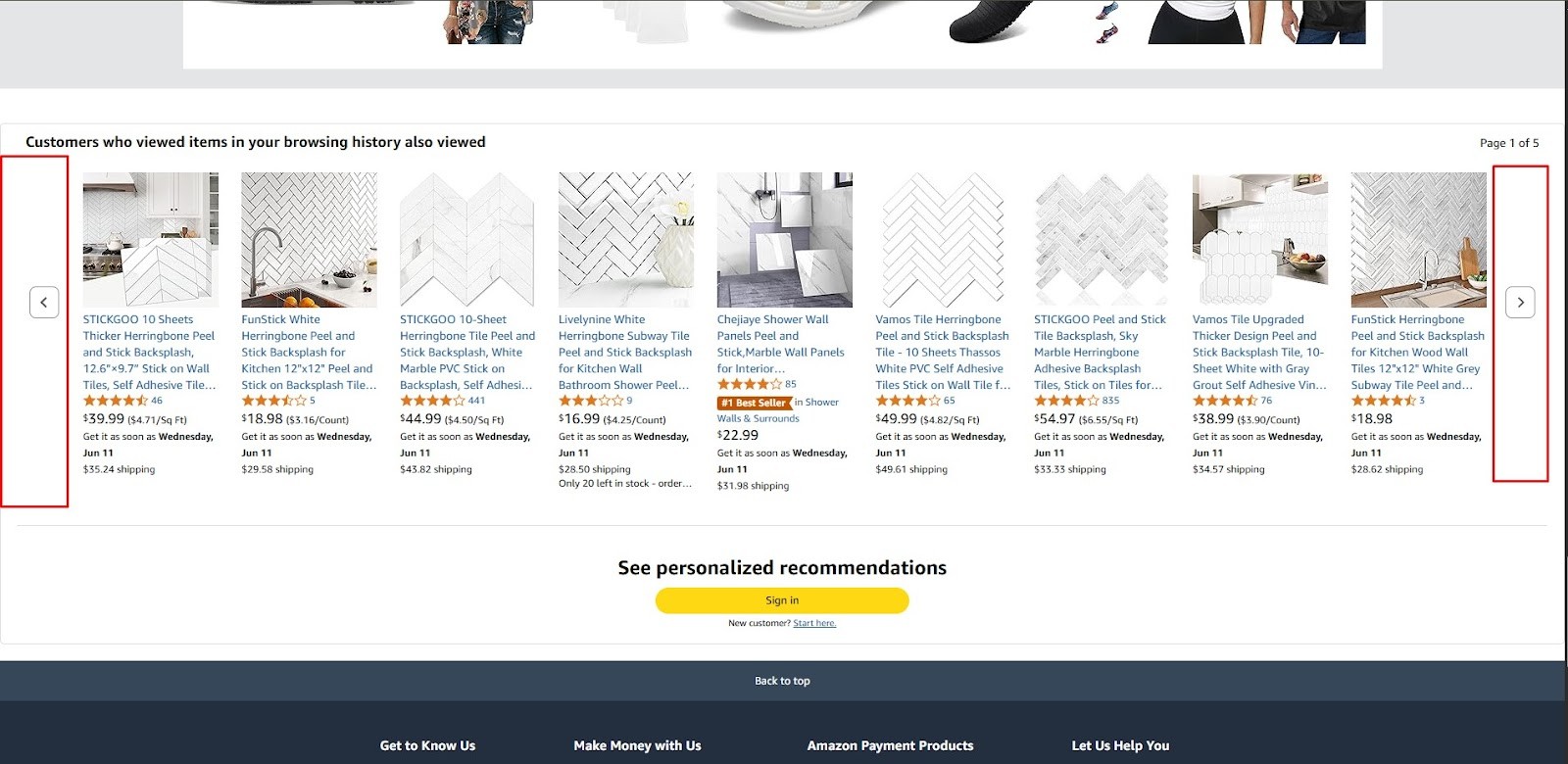
Amazon is the largest e-commerce platform worldwide, offering an enormous catalog of products. Its pagination balances classic page numbering with modern usability to help users browse through millions of listings easily.
Key Pagination Features
- Hybrid pagination with both numbered pages and a ''Load More'' button
- Clear ''Previous'' and ''Next'' navigation buttons
- Shows the current range of items
- Fully responsive and touch-friendly on mobile
2. Google Search
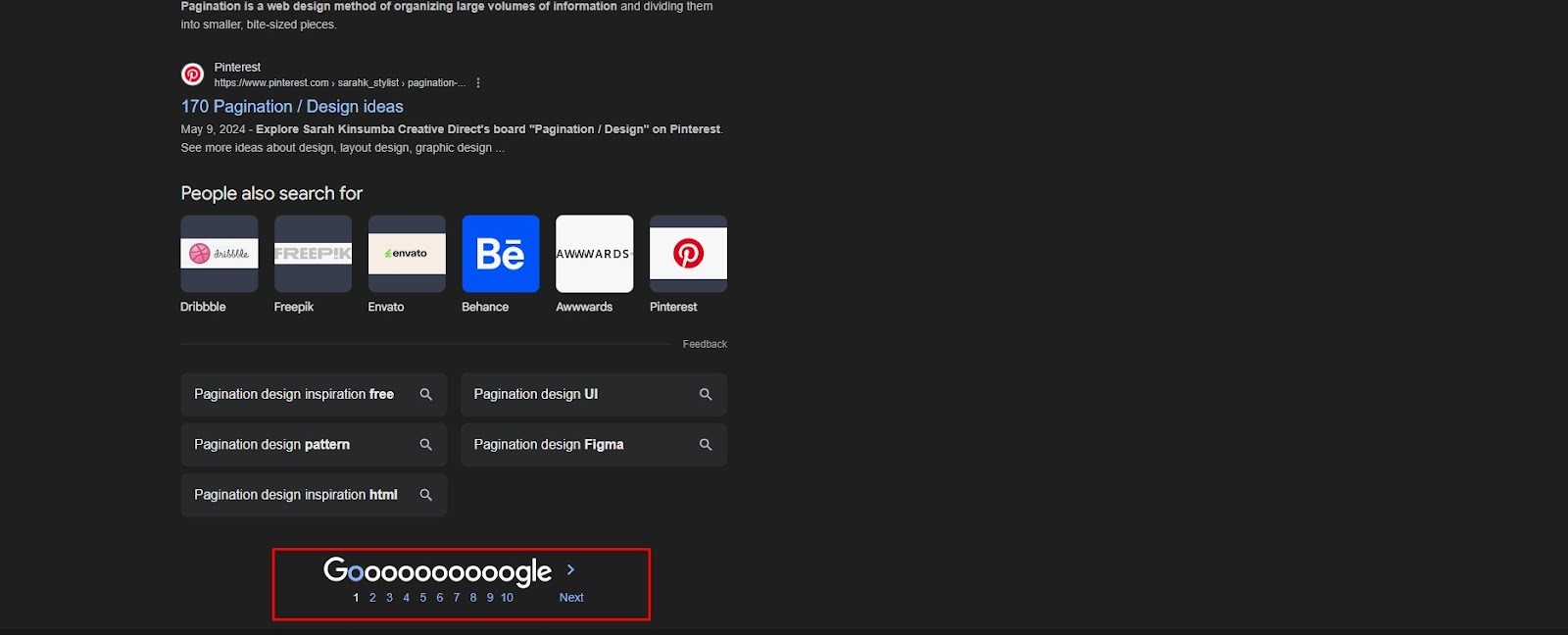
Google’s minimalist pagination design keeps users focused on content while enabling quick navigation through search results pages.
Key Pagination Features
- Simple numbered pagination with the current page highlighted
- ''Previous'' and ''Next'' buttons for easy navigation
- Pagination placed both at the top and bottom of results
- Lightweight design for fast loading
3. Etsy
Etsy is a popular marketplace for handmade and vintage goods. Its pagination combines functionality with a clean aesthetic, matching its artisanal brand.
Key Pagination Features
- Numbered pagination with direct page access
- Clear highlighting of the active page
- Compact and clean layout below product grids
- Mobile-responsive adjustments

4. YouTube
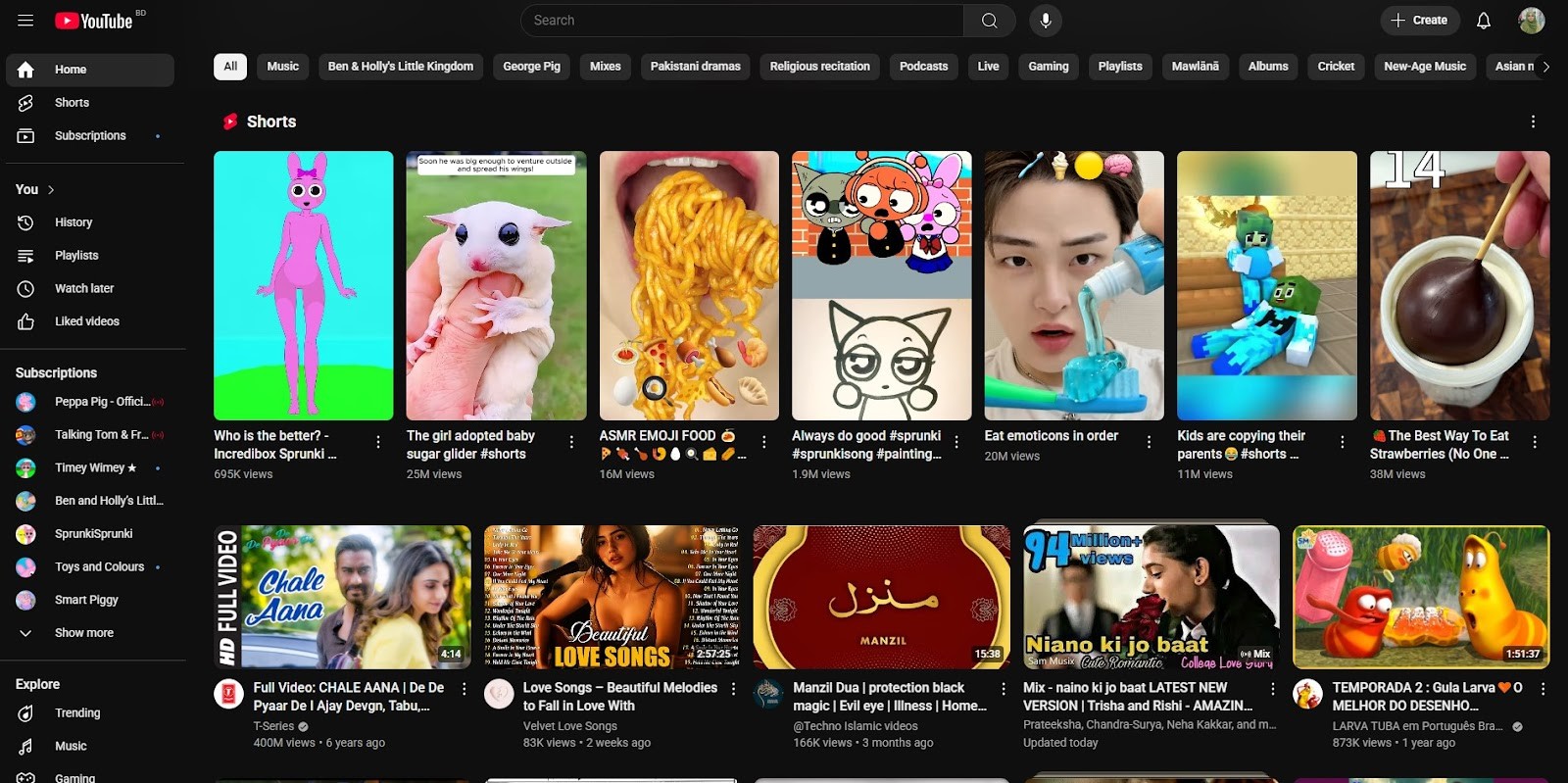
YouTube blends infinite scrolling on the homepage with playlist-based pagination, creating a smooth content discovery experience.
Key Pagination Features
- Infinite scrolling on video feeds and homepage
- Numbered pagination for playlists and channel videos
- Visual thumbnails integrated with pagination controls
- Smooth animated transitions between pages
5. Pinterest
Pinterest uses a visually rich masonry grid and infinite scroll to provide an immersive browsing experience without traditional pagination buttons.
Key Pagination Features
- Infinite scrolling loads more pins automatically
- Loading animations signal new content arrival
- Pagination supports dynamic masonry layout
- Fully mobile optimized

6. Netflix
Netflix uses horizontal carousels for browsing content categories instead of traditional pagination, allowing users to scroll through titles smoothly.
Key Pagination Features
- Horizontal scrolling carousels replace numbered pages
- Lazy loading of content as users scroll
- Clear navigation arrows for carousels
- Responsive design optimized for TV, desktop, and mobile

7. GitHub
GitHub’s pagination handles repositories, issues, and search results with concise navigation tools suited for developers.
Key Pagination Features
- Compact numbered pagination with ''First'' and ''Last'' links
- Shows total pages and items count
- ''Previous'' and ''Next'' navigation buttons
- Pagination integrated with filtering and sorting options
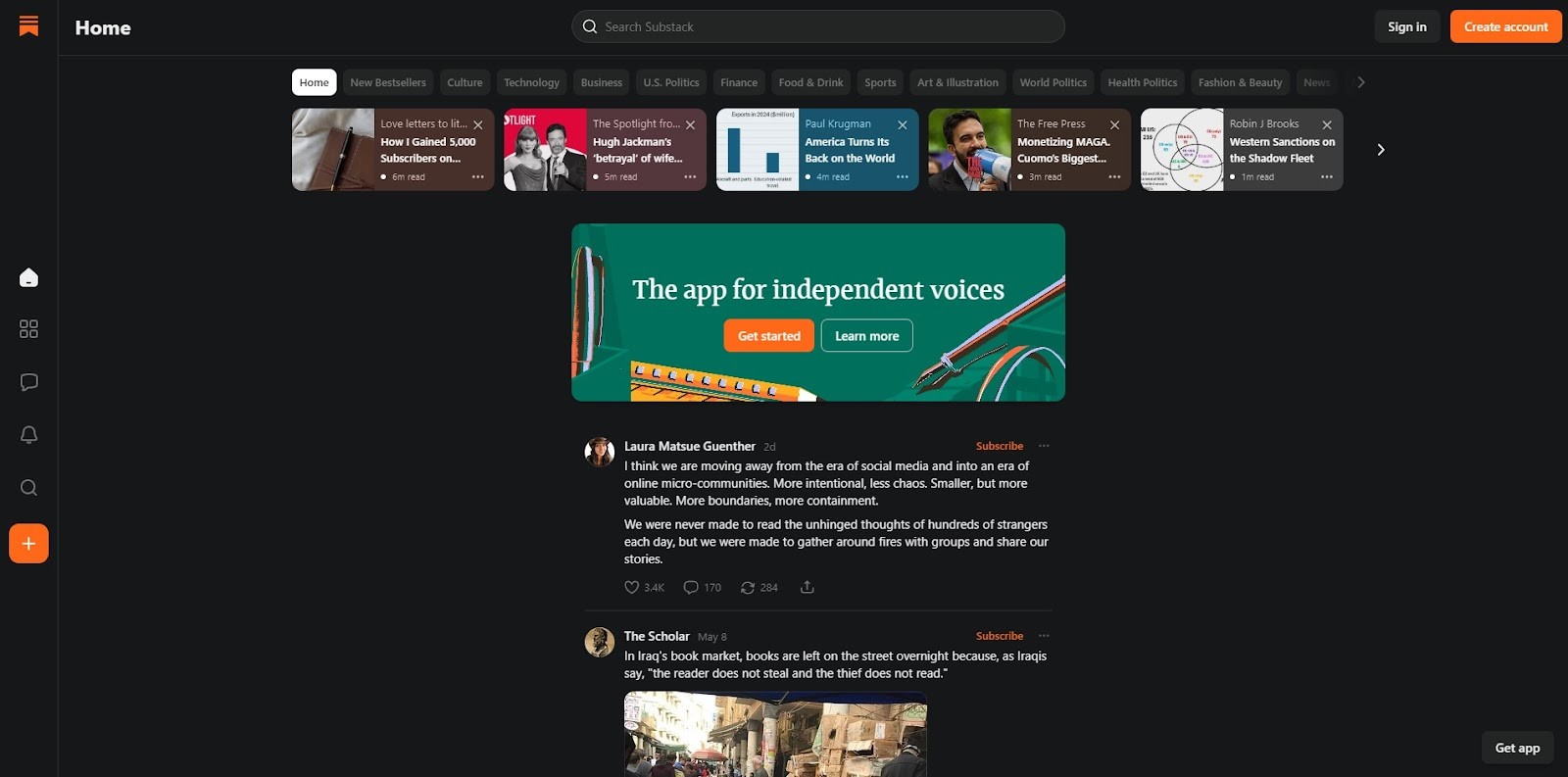
8. Substack
Substack uses simple pagination to navigate newsletters and article archives, focusing on easy access to content.
Key Pagination Features
- Clear ''Next'' and ''Previous'' buttons
- Minimalist design focusing on readability
- Prominent subscription and engagement elements near pagination
- Responsive and mobile-friendly layout
9. Stack Overflow
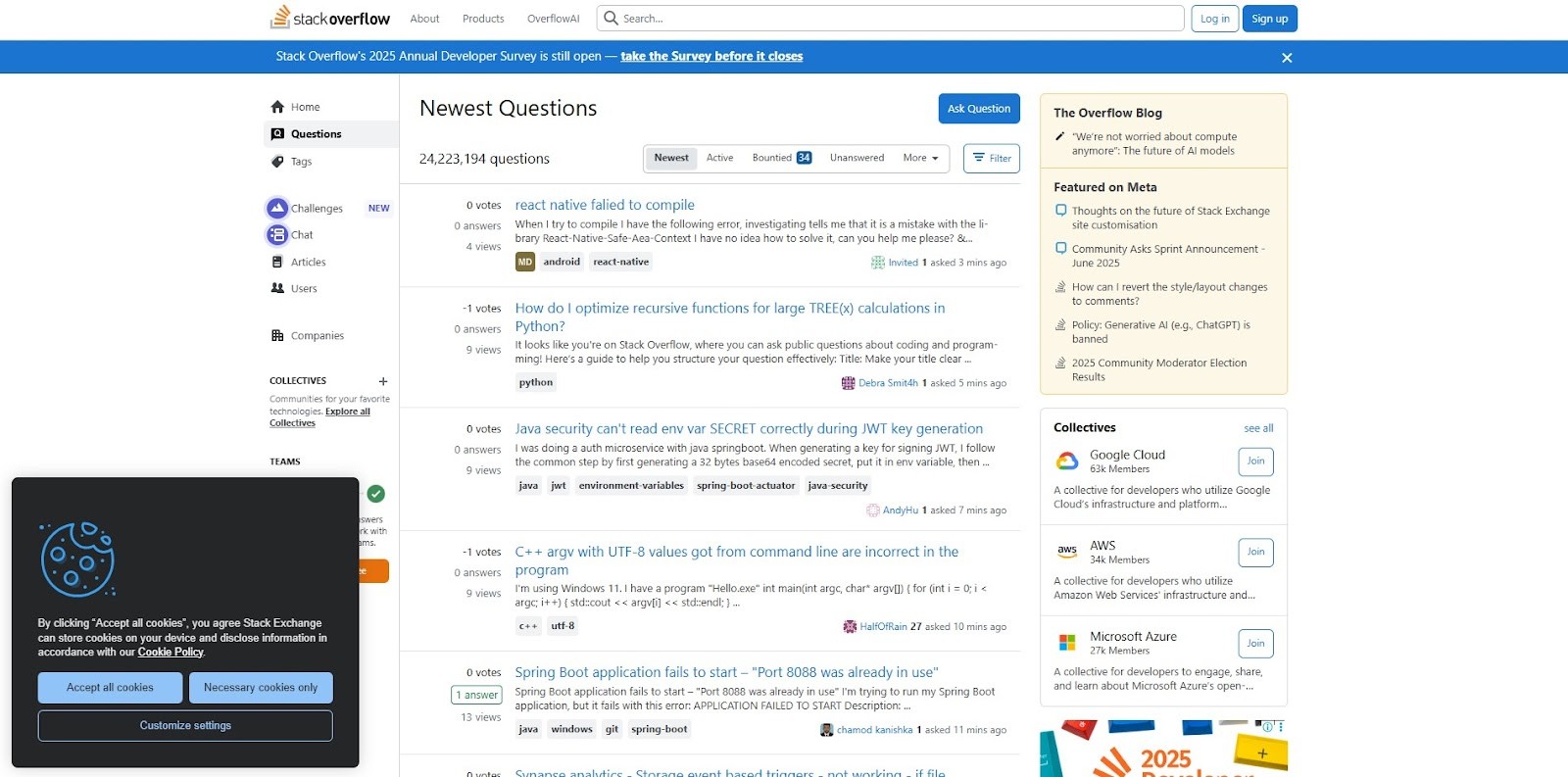
Stack Overflow combines pagination with powerful filtering, allowing users to navigate questions, answers, and tags efficiently.
Key Pagination Features
- Traditional numbered pagination with ''Previous'' and ''Next''
- Sidebar filters for tags and question status
- Pagination updates dynamically with filters applied
- Clean and accessible design for fast browsing
10. Airbnb
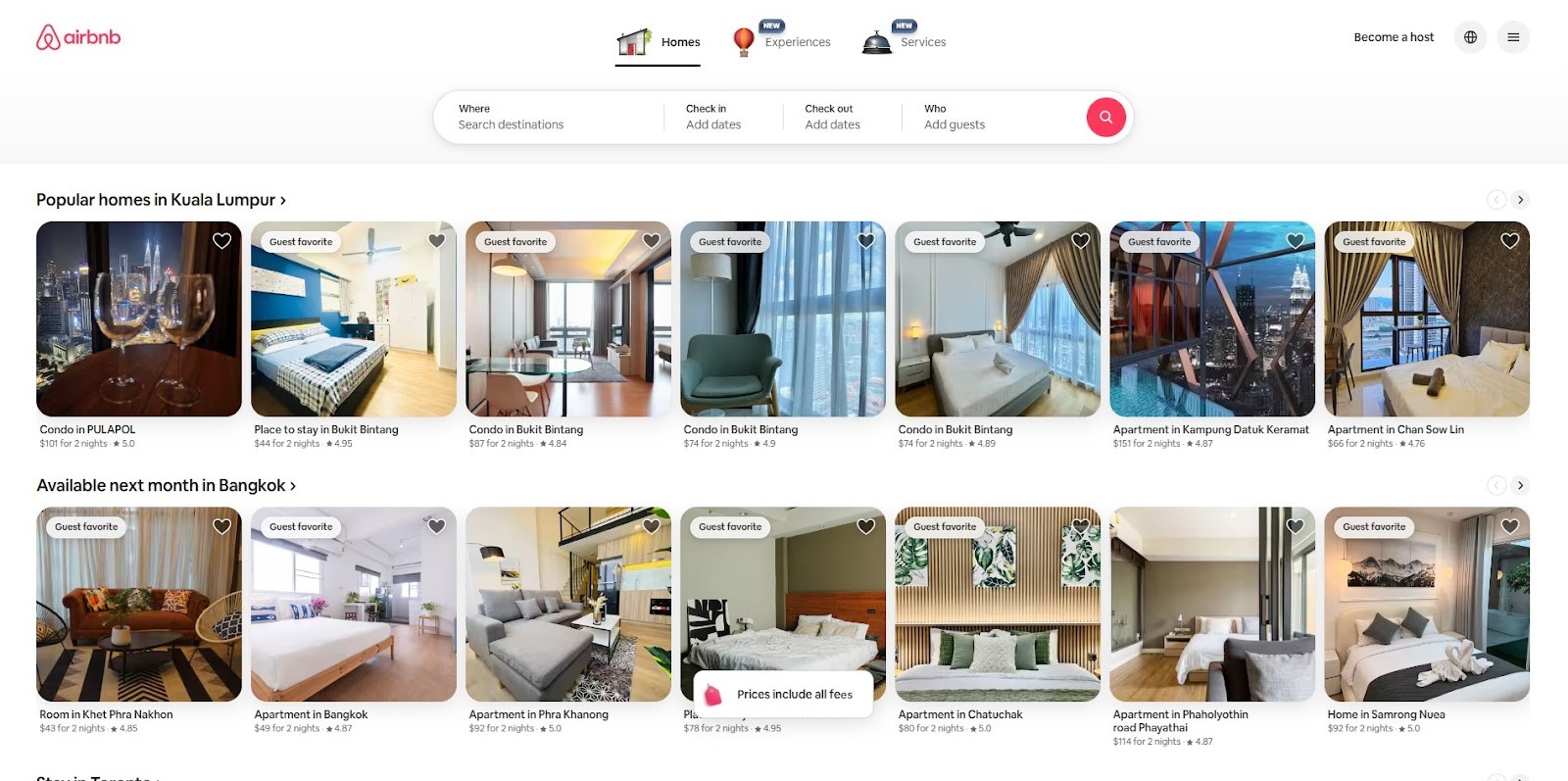
Airbnb uses a hybrid system combining map-based dynamic updates with classic pagination for list views.
Key Pagination Features
- Dynamic updates to listings as users pan or zoom on the map
- Numbered pagination available in list view
- Clear “Next” and “Previous” navigation
- Responsive design optimized for mobile and desktop
11. Shopify
Shopify powers many e-commerce stores and uses clean, straightforward pagination on product listing pages.
Key Pagination Features
- Numbered pagination for product pages
- ''Next'' and ''Previous'' navigation buttons
- Simple, minimalist design that fits any store theme
- Mobile responsive with touch-friendly buttons

12. Adidas
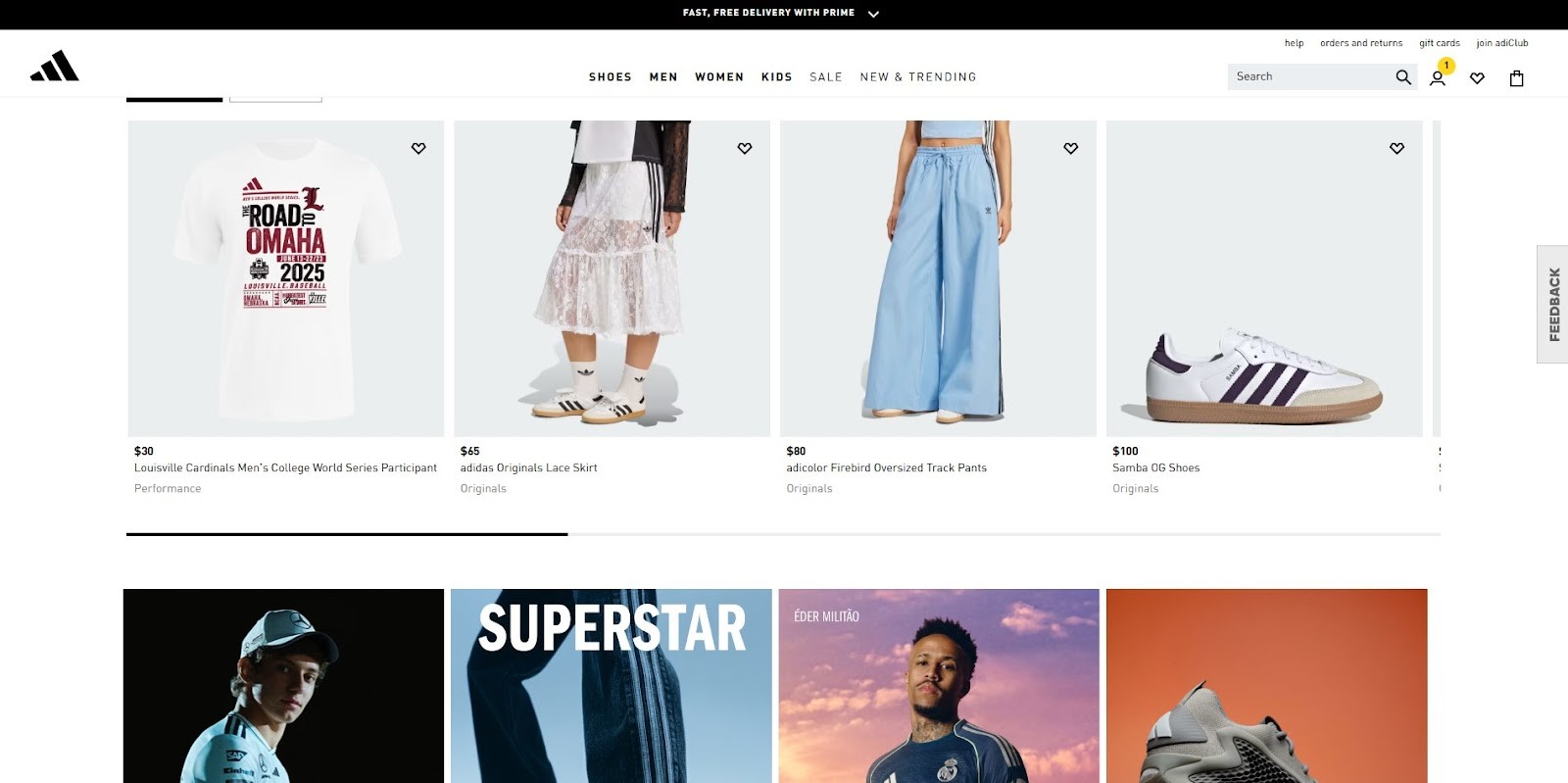
Adidas incorporates vertical pagination on some category pages to provide a unique browsing experience.
Key Pagination Features
- Vertical pagination on product categories
- Smooth transitions and animations
- Clear navigation buttons
- Designed to align with Adidas’s modern, sporty branding
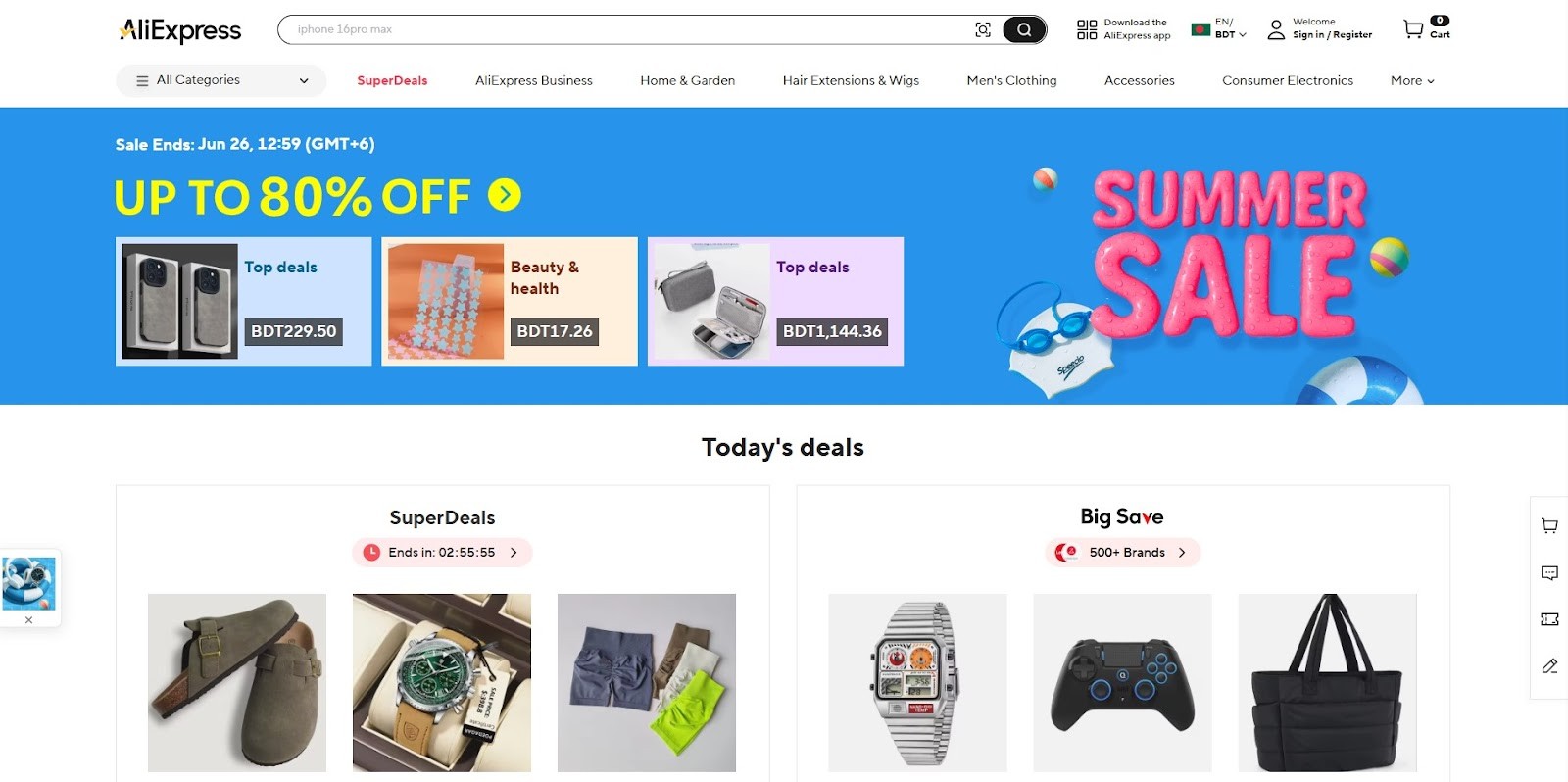
13. AliExpress
AliExpress uses a traditional pagination system with enhanced usability for its massive product catalog.
Key Pagination Features
- Numbered pages with direct input to jump to any page
- Clear ''Next” and ''Previous'' buttons
- Shows total number of pages and items
- Responsive design for various devices
14. iHerb
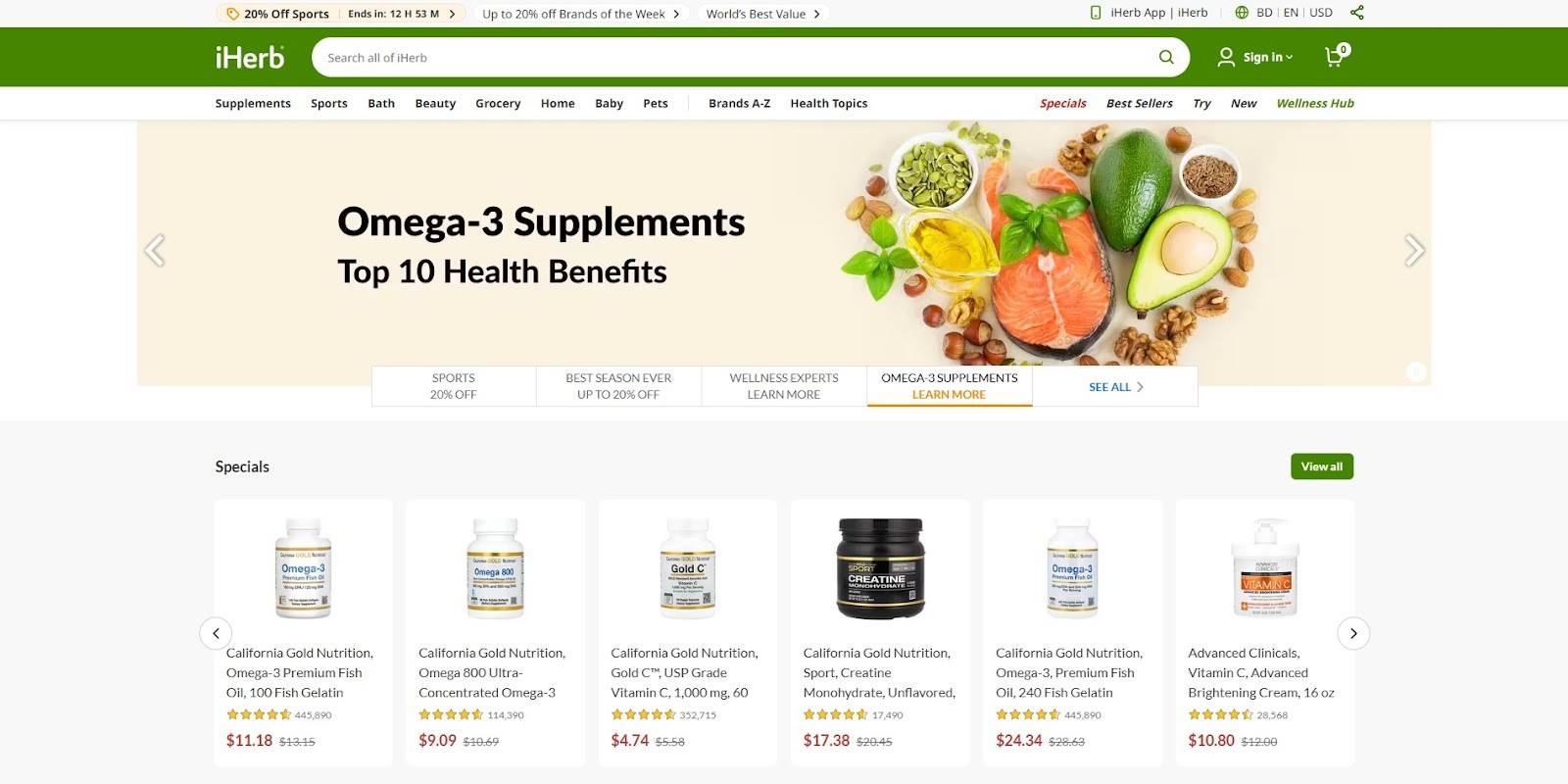
iHerb offers a large selection of health products, with pagination designed for easy navigation across categories.
Key Pagination Features
- Clean numbered pagination below product lists
- ''Next'' and ''Previous'' navigation
- Shows item counts and pages clearly
- Mobile-friendly layout
15. The Economist
The Economist features sleek pagination to navigate articles, maintaining a focus on readability and user engagement.
Key Pagination Features
- Fixed header with pagination controls for easy access
- Numbered pagination with ''Next'' and ''Previous'' buttons
- Minimalist style to avoid distraction
- Responsive design for mobile and desktop

16. Dribbble
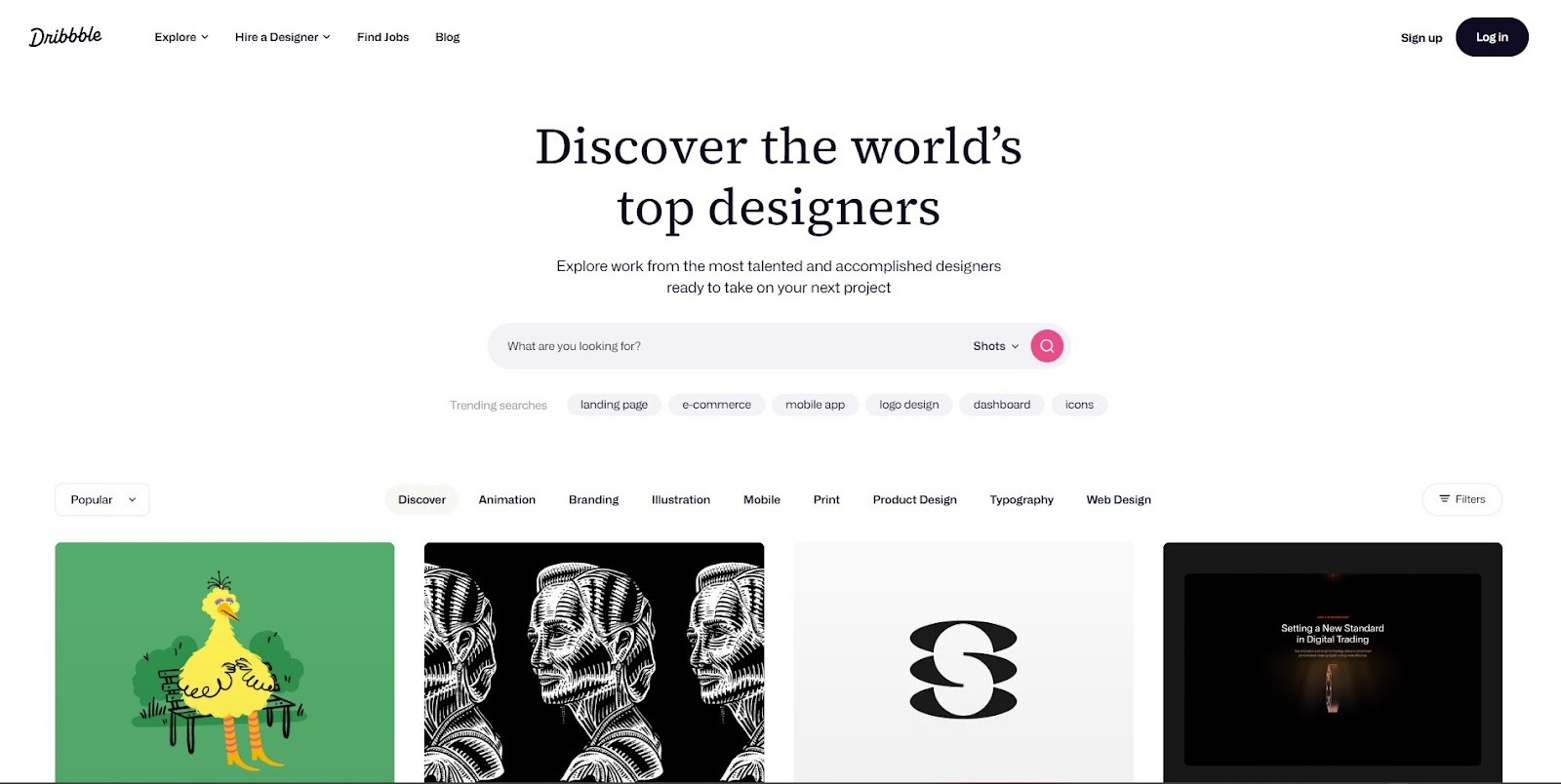
Dribbble is a design community showcasing creative works, using simple pagination to browse projects.
Key Pagination Features
- Numbered pagination below project grids
- ''Previous'' and ''Next'' navigation buttons
- Clean, minimalist interface
- Fully responsive for mobile users
17. FARFETCH
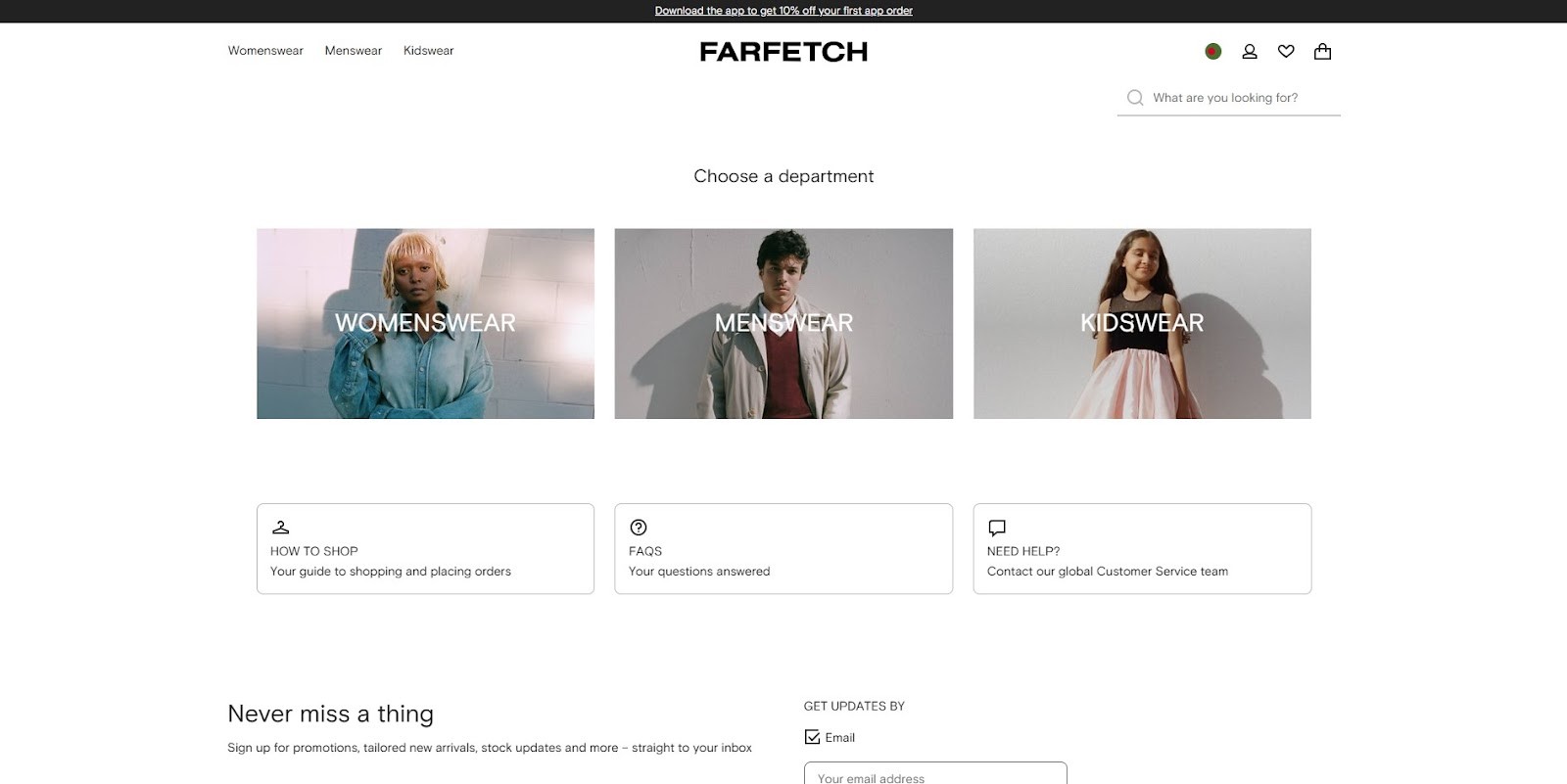
FARFETCH, a luxury fashion platform, uses a mix of infinite scrolling and pagination to display products elegantly.
Key Pagination Features
- Endless scrolling on product listing pages
- Pagination integrated with filtering options
- Organized content blocks for better browsing
- Responsive and user-friendly design
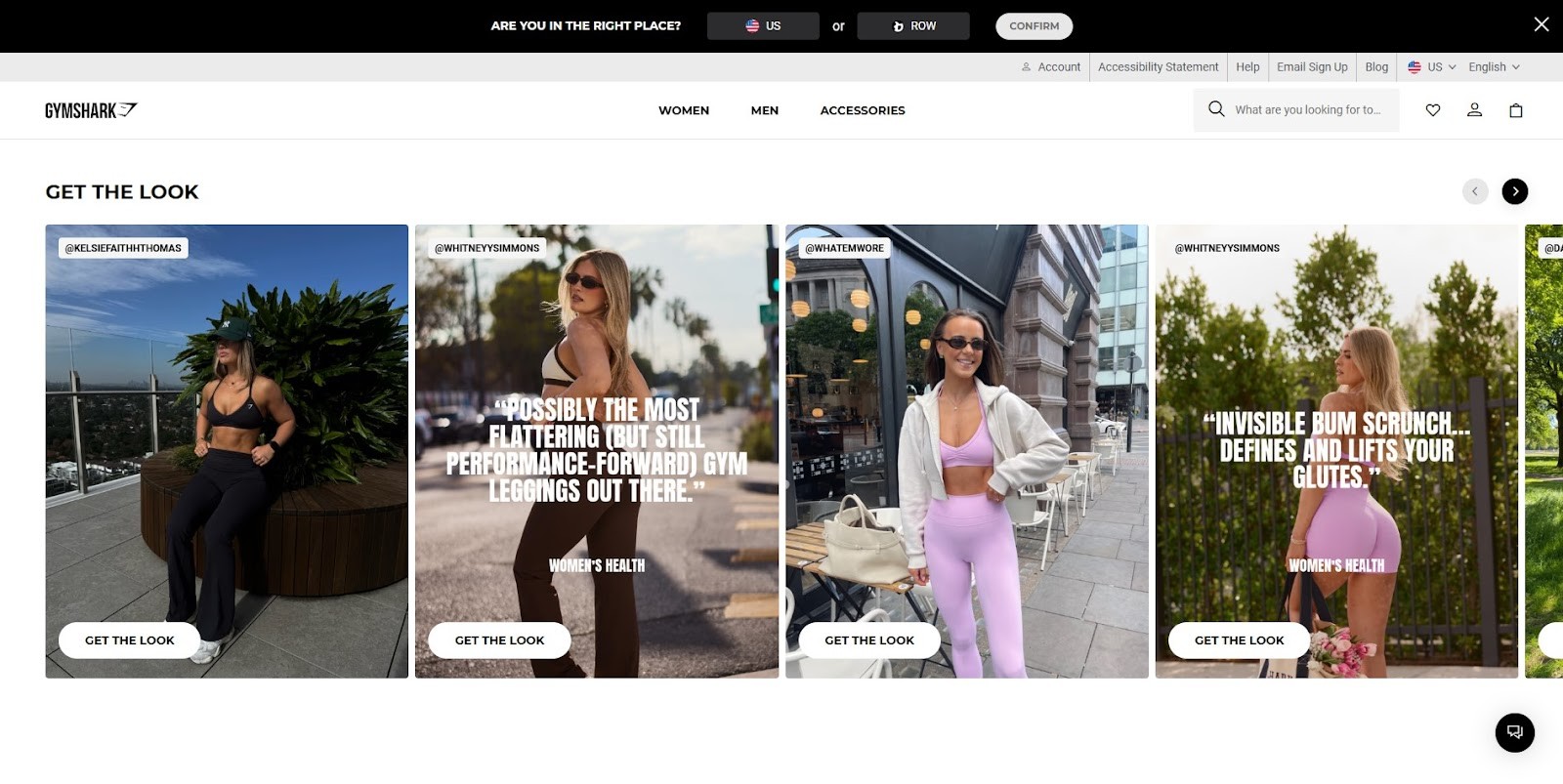
18. Gymshark
Gymshark, a fitness apparel brand, uses multiple pagination styles tailored for user preference and device type.
Key Pagination Features
- Icon-based pagination for quick navigation
- Traditional numbered pages on desktop
- Responsive adaptation for mobile with touch-friendly controls
- Clean design complementing the brand identity
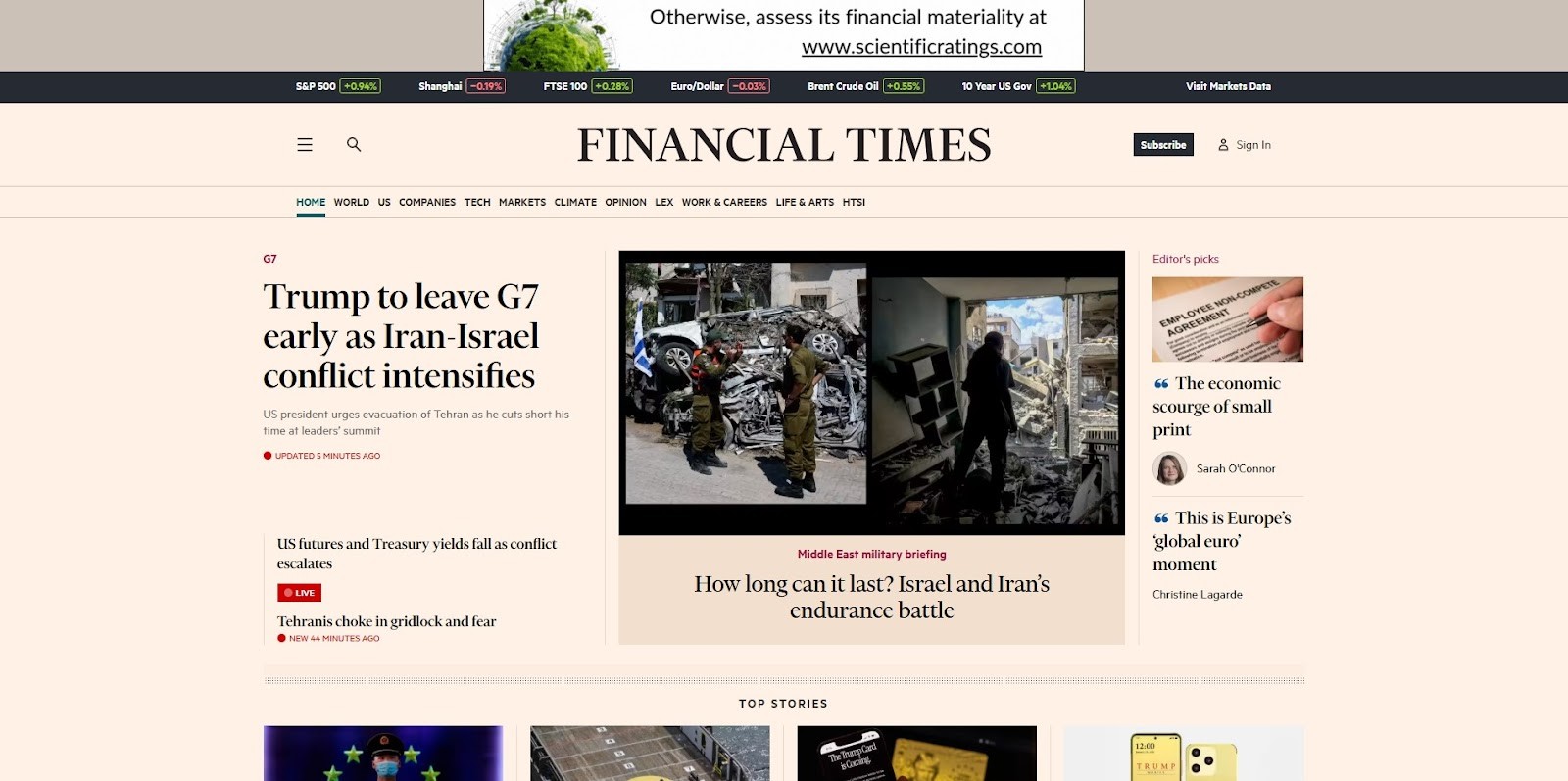
19. The Financial Times
The Financial Times offers straightforward pagination for articles and news sections focusing on ease of use.
Key Pagination Features
- Simple ''Next'' and ''Previous'' buttons
- Numbered pagination for article archives
- Minimalistic design for distraction-free reading
- Responsive layout for various devices
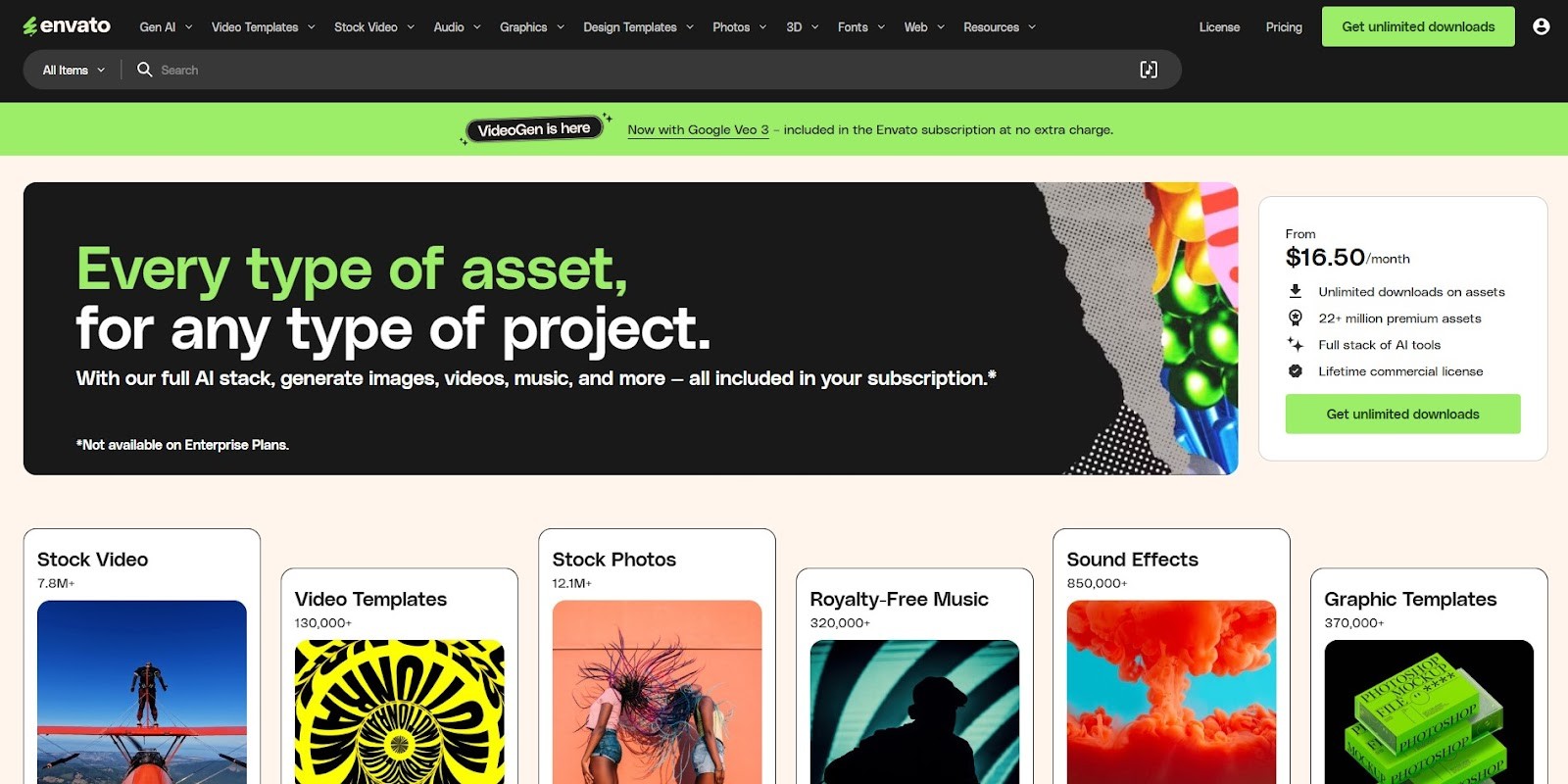
20. Envato
Envato’s blog and marketplace use pagination to organize vast amounts of content and digital products efficiently.
Key Pagination Features
- Numbered pagination with clear navigation
- Responsive and clean design
- Integration with search and filters for easier content discovery
- Fast loading and accessible on mobile
Framerbite's Pagination Design Tips and Best Practices
At Framerbite, we believe careful pagination plays a crucial role in creating a great user experience. A well-designed pagination keeps users engaged and reduces bounce rates on e-commerce sites, blogs, and portfolios.
If you want to create your own pagination inspired by the above examples, keep these tips in mind:
1. Use Clear Labels
Use words like Next, Previous, and explicit page numbers so users don’t get confused.
2. Highlight Current Page
Make the current page stand out with bold, color, or underline to show users their position.
3. Keep It Simple
Avoid cluttered pagination. Minimal is often more effective.
4. Adapt to Mobile
Make buttons large enough to tap and consider replacing pagination with infinite scroll on mobile for smoother UX.
5. Provide Context
Show total pages or items so users know how much content remains.
6. Combine Methods if Needed
Hybrid approaches like pagination plus ''Load More'' can offer a good balance.
Conclusion
Pagination remains a critical part of website navigation, especially for content-rich and e-commerce sites. You can create an intuitive, elegant navigation experience that keeps users engaged and reduces bounce rates by studying top websites and their pagination designs. It helps users feel in control and allows them to navigate through content efficiently.
Want to make it even easier? Use tools like Figma, Tailwind, or Framer to bring your vision to life.
Pagination is a fundamental web design element that helps users navigate through large sets of content, whether it’s products, articles, videos, or search results. Done right, pagination improves usability, boosts engagement, and keeps visitors exploring your site longer. Done poorly, it can frustrate users and cause them to bounce.
In this post, we’ll dive into the best pagination design inspirations from leading websites, break down key features that make their pagination effective, and share tips for creating your own smooth, user-friendly navigation.
What Makes Great Pagination Design?
Before we jump into examples, here are some essential traits of effective pagination:
- Clarity: Users should instantly recognize the pagination controls and know how to move forward or back. Buttons like ''Next'' ''Previous'' and visible page numbers are vital.
- Simplicity: Clean, minimalist designs avoid overwhelming users. Pagination should blend naturally with your site’s style.
- Responsiveness: Pagination must work seamlessly across all devices, from large desktop screens to small mobile phones.
- Context: Showing the current page number and total pages or item counts helps users understand where they are.
- Performance: Fast loading and smooth transitions keep the user experience fluid.
- Flexibility: Depending on content type, sometimes infinite scroll or ''Load More'' buttons can complement or replace classic pagination.
1. Amazon
Amazon is the largest e-commerce platform worldwide, offering an enormous catalog of products. Its pagination balances classic page numbering with modern usability to help users browse through millions of listings easily.
Key Pagination Features
- Hybrid pagination with both numbered pages and a ''Load More'' button
- Clear ''Previous'' and ''Next'' navigation buttons
- Shows the current range of items
- Fully responsive and touch-friendly on mobile
2. Google Search
Google’s minimalist pagination design keeps users focused on content while enabling quick navigation through search results pages.
Key Pagination Features
- Simple numbered pagination with the current page highlighted
- ''Previous'' and ''Next'' buttons for easy navigation
- Pagination placed both at the top and bottom of results
- Lightweight design for fast loading
3. Etsy
Etsy is a popular marketplace for handmade and vintage goods. Its pagination combines functionality with a clean aesthetic, matching its artisanal brand.
Key Pagination Features
- Numbered pagination with direct page access
- Clear highlighting of the active page
- Compact and clean layout below product grids
- Mobile-responsive adjustments
4. YouTube
YouTube blends infinite scrolling on the homepage with playlist-based pagination, creating a smooth content discovery experience.
Key Pagination Features
- Infinite scrolling on video feeds and homepage
- Numbered pagination for playlists and channel videos
- Visual thumbnails integrated with pagination controls
- Smooth animated transitions between pages
5. Pinterest
Pinterest uses a visually rich masonry grid and infinite scroll to provide an immersive browsing experience without traditional pagination buttons.
Key Pagination Features
- Infinite scrolling loads more pins automatically
- Loading animations signal new content arrival
- Pagination supports dynamic masonry layout
- Fully mobile optimized
6. Netflix
Netflix uses horizontal carousels for browsing content categories instead of traditional pagination, allowing users to scroll through titles smoothly.
Key Pagination Features
- Horizontal scrolling carousels replace numbered pages
- Lazy loading of content as users scroll
- Clear navigation arrows for carousels
- Responsive design optimized for TV, desktop, and mobile
7. GitHub
GitHub’s pagination handles repositories, issues, and search results with concise navigation tools suited for developers.
Key Pagination Features
- Compact numbered pagination with ''First'' and ''Last'' links
- Shows total pages and items count
- ''Previous'' and ''Next'' navigation buttons
- Pagination integrated with filtering and sorting options
8. Substack
Substack uses simple pagination to navigate newsletters and article archives, focusing on easy access to content.
Key Pagination Features
- Clear ''Next'' and ''Previous'' buttons
- Minimalist design focusing on readability
- Prominent subscription and engagement elements near pagination
- Responsive and mobile-friendly layout
9. Stack Overflow
Stack Overflow combines pagination with powerful filtering, allowing users to navigate questions, answers, and tags efficiently.
Key Pagination Features
- Traditional numbered pagination with ''Previous'' and ''Next''
- Sidebar filters for tags and question status
- Pagination updates dynamically with filters applied
- Clean and accessible design for fast browsing
10. Airbnb
Airbnb uses a hybrid system combining map-based dynamic updates with classic pagination for list views.
Key Pagination Features
- Dynamic updates to listings as users pan or zoom on the map
- Numbered pagination available in list view
- Clear “Next” and “Previous” navigation
- Responsive design optimized for mobile and desktop
11. Shopify
Shopify powers many e-commerce stores and uses clean, straightforward pagination on product listing pages.
Key Pagination Features
- Numbered pagination for product pages
- ''Next'' and ''Previous'' navigation buttons
- Simple, minimalist design that fits any store theme
- Mobile responsive with touch-friendly buttons
12. Adidas
Adidas incorporates vertical pagination on some category pages to provide a unique browsing experience.
Key Pagination Features
- Vertical pagination on product categories
- Smooth transitions and animations
- Clear navigation buttons
- Designed to align with Adidas’s modern, sporty branding
13. AliExpress
AliExpress uses a traditional pagination system with enhanced usability for its massive product catalog.
Key Pagination Features
- Numbered pages with direct input to jump to any page
- Clear ''Next” and ''Previous'' buttons
- Shows total number of pages and items
- Responsive design for various devices
14. iHerb
iHerb offers a large selection of health products, with pagination designed for easy navigation across categories.
Key Pagination Features
- Clean numbered pagination below product lists
- ''Next'' and ''Previous'' navigation
- Shows item counts and pages clearly
- Mobile-friendly layout
15. The Economist
The Economist features sleek pagination to navigate articles, maintaining a focus on readability and user engagement.
Key Pagination Features
- Fixed header with pagination controls for easy access
- Numbered pagination with ''Next'' and ''Previous'' buttons
- Minimalist style to avoid distraction
- Responsive design for mobile and desktop
16. Dribbble
Dribbble is a design community showcasing creative works, using simple pagination to browse projects.
Key Pagination Features
- Numbered pagination below project grids
- ''Previous'' and ''Next'' navigation buttons
- Clean, minimalist interface
- Fully responsive for mobile users
17. FARFETCH
FARFETCH, a luxury fashion platform, uses a mix of infinite scrolling and pagination to display products elegantly.
Key Pagination Features
- Endless scrolling on product listing pages
- Pagination integrated with filtering options
- Organized content blocks for better browsing
- Responsive and user-friendly design
18. Gymshark
Gymshark, a fitness apparel brand, uses multiple pagination styles tailored for user preference and device type.
Key Pagination Features
- Icon-based pagination for quick navigation
- Traditional numbered pages on desktop
- Responsive adaptation for mobile with touch-friendly controls
- Clean design complementing the brand identity
19. The Financial Times
The Financial Times offers straightforward pagination for articles and news sections focusing on ease of use.
Key Pagination Features
- Simple ''Next'' and ''Previous'' buttons
- Numbered pagination for article archives
- Minimalistic design for distraction-free reading
- Responsive layout for various devices
20. Envato
Envato’s blog and marketplace use pagination to organize vast amounts of content and digital products efficiently.
Key Pagination Features
- Numbered pagination with clear navigation
- Responsive and clean design
- Integration with search and filters for easier content discovery
- Fast loading and accessible on mobile
Framerbite's Pagination Design Tips and Best Practices
At Framerbite, we believe careful pagination plays a crucial role in creating a great user experience. A well-designed pagination keeps users engaged and reduces bounce rates on e-commerce sites, blogs, and portfolios.
If you want to create your own pagination inspired by the above examples, keep these tips in mind:
1. Use Clear Labels
Use words like Next, Previous, and explicit page numbers so users don’t get confused.
2. Highlight Current Page
Make the current page stand out with bold, color, or underline to show users their position.
3. Keep It Simple
Avoid cluttered pagination. Minimal is often more effective.
4. Adapt to Mobile
Make buttons large enough to tap and consider replacing pagination with infinite scroll on mobile for smoother UX.
5. Provide Context
Show total pages or items so users know how much content remains.
6. Combine Methods if Needed
Hybrid approaches like pagination plus ''Load More'' can offer a good balance.
Conclusion
Pagination remains a critical part of website navigation, especially for content-rich and e-commerce sites. You can create an intuitive, elegant navigation experience that keeps users engaged and reduces bounce rates by studying top websites and their pagination designs. It helps users feel in control and allows them to navigate through content efficiently.
Want to make it even easier? Use tools like Figma, Tailwind, or Framer to bring your vision to life.